Can I Use Dollar Tree Vinyl With Cricut? Tips for Success
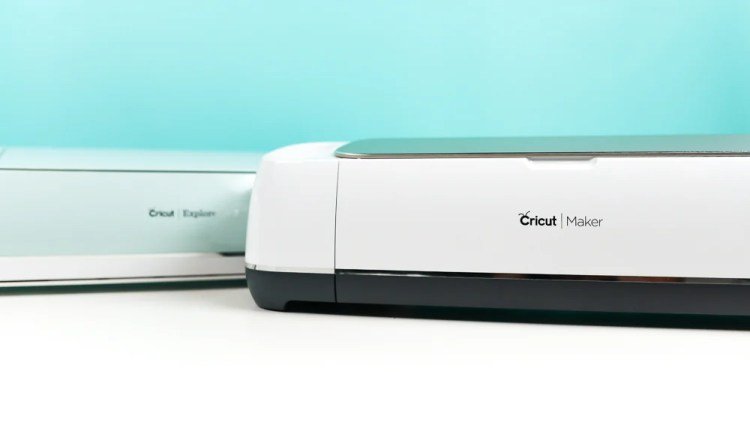
Yes, you can use dollar tree vinyl with cricut machines, provided you adjust your settings to account for the thinner material. Most craft vinyl sold at discount stores is thinner than premium brands, so a light-pressure cut is usually necessary to prevent the blade from cutting through the backing paper.
Using Dollar Tree vinyl with your Cricut
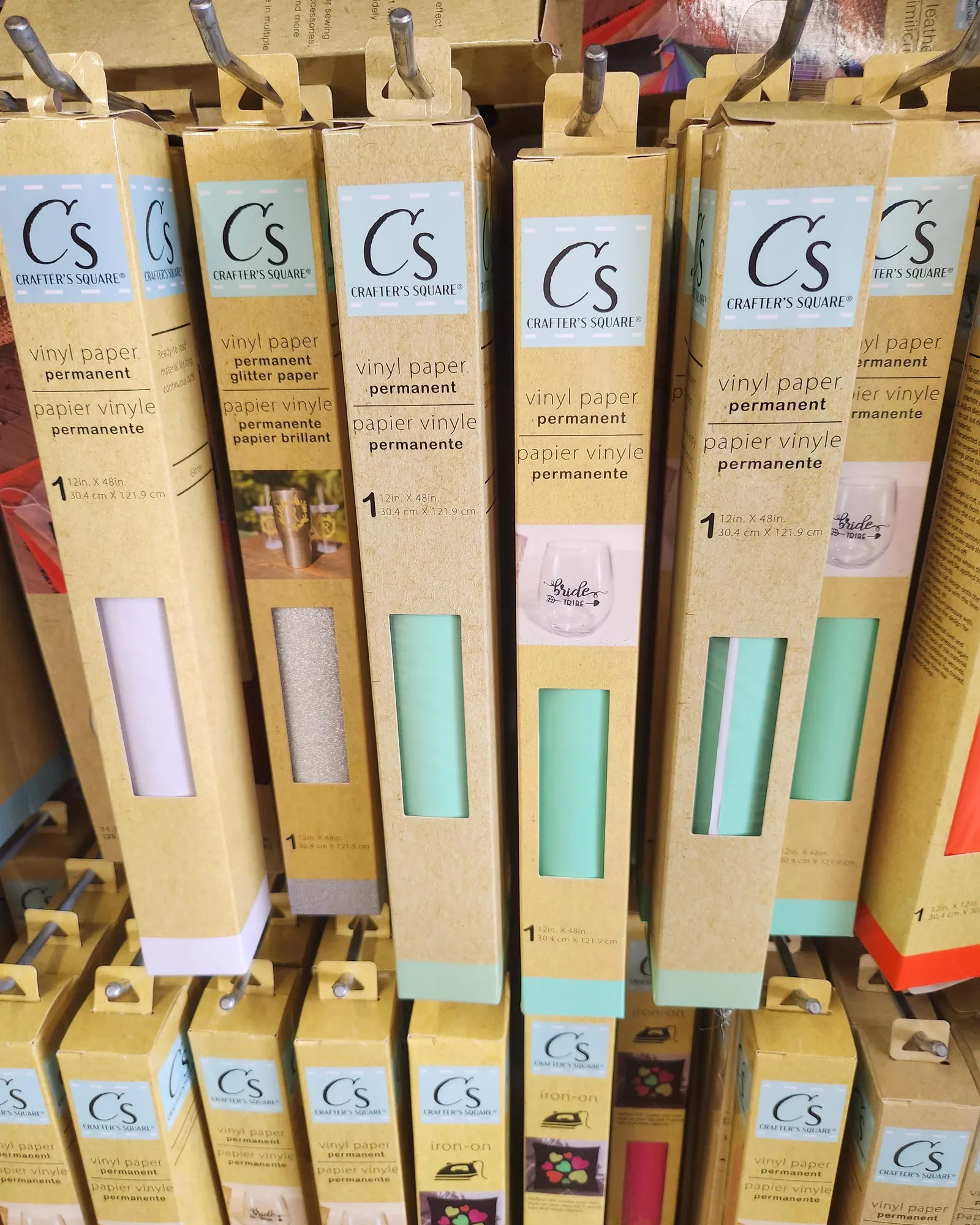
Choosing the right material depends on the final look you want and how long you need the project to last. While budget vinyl is excellent for practice or temporary signs, it may not hold up to outdoor weather or frequent washing as well as professional-grade adhesive films.
| Material Type | Best Use Case | Expected Longevity |
|---|---|---|
| Dollar store vinyl | Practice projects | 1-3 months indoors |
| Permanent adhesive | Outdoor decals | 3-5 years outdoors |
| Heat transfer vinyl | Fabric shirts | 50+ wash cycles |
| Removable vinyl | Wall stencils | 1-2 years indoors |
| Stencil vinyl | Paint projects | Single use |
If you’re applying vinyl to a curved surface, choose a cast vinyl rather than a calendered one. Cast vinyl remains stable when stretched, whereas calendered vinyl shrinks back to its original shape, causing edges to peel within weeks.
Avoid using permanent adhesive on painted drywall. It will likely strip the paint or drywall paper when you eventually remove it. If you’re decorating a rental space, stick to removable vinyl with a low-tack adhesive.
Check the surface texture before you begin. If the material feels porous or textured, standard adhesive will fail.
Factors that change your cutting results
The thickness of the vinyl is the primary factor that decides whether your cut will be successful. Budget-friendly vinyl often lacks a consistent thickness across the entire roll, which can lead to tearing in some spots while failing to cut through in others. Additionally, the adhesive backing on these materials can be weaker or, conversely, leave behind a sticky residue when you try to remove it from your cutting mat.
Your machine’s blade condition also plays a major role in how it handles non-brand materials. A dull blade is more likely to drag through thin, cheap vinyl instead of slicing through it cleanly.
Always perform a test cut on a small corner of the material before you attempt to cut a full, detailed design. If the vinyl lifts from the mat during the process, your blade is likely too dull or your mat isn’t sticky enough to hold the material in place.
If the vinyl is thin, use the “Washi Sheet” or “Vinyl” setting on your machine; if it’s thick or textured, use the “Medium Cardstock” setting to ensure a clean through-cut.
Steps for successful cutting
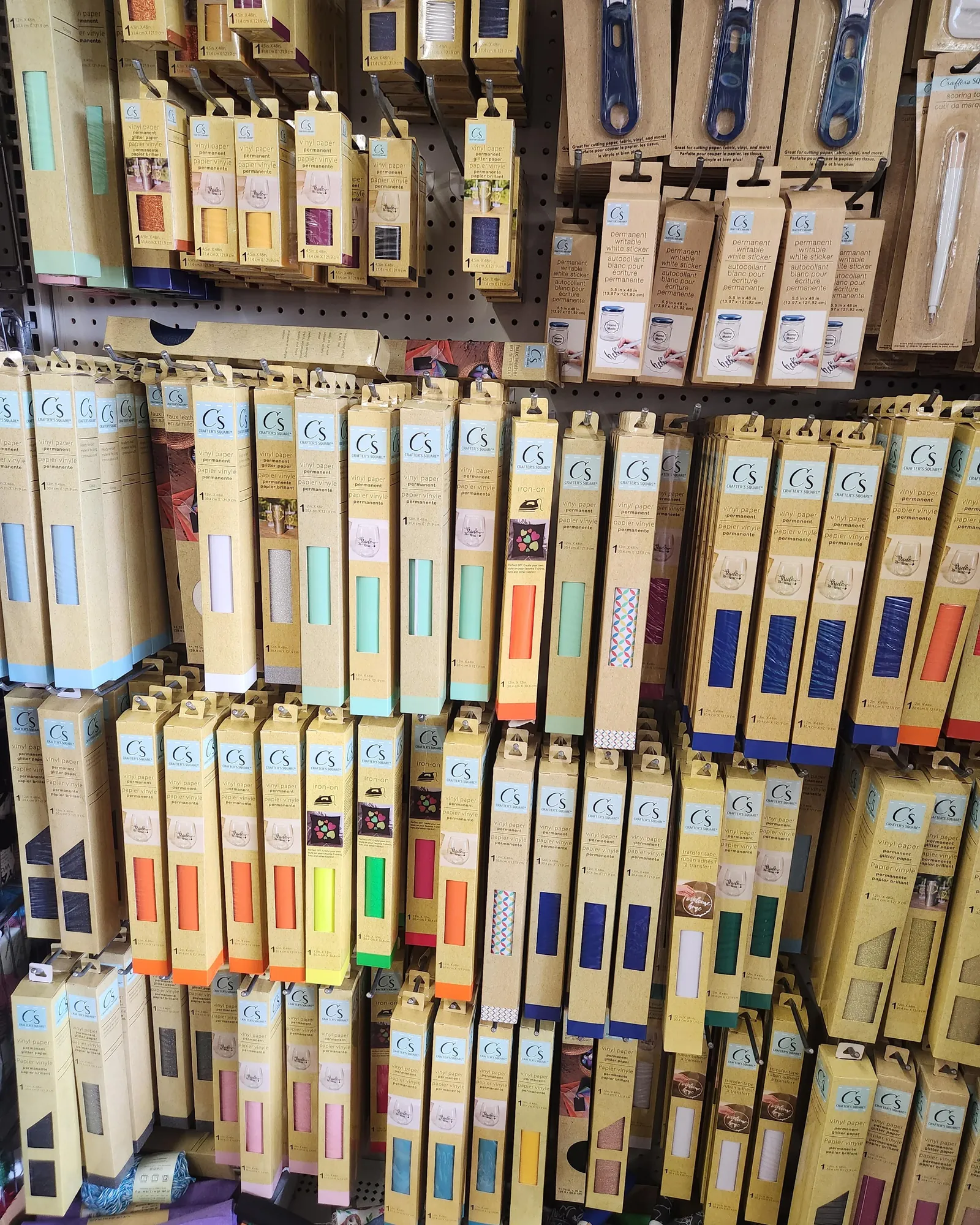
- Clean your cutting mat to ensure it’s free of dust or debris, which helps the thin material stay flat during the cutting process.
- Apply the vinyl to the mat with the paper backing side down, smoothing it out from the center to the edges with a scraper tool to remove all air bubbles.
- Select your material setting in the software by choosing a “Vinyl” preset, then manually lower the pressure by 10-20 units if you’re using a very thin generic brand.
- Perform a test cut by placing a small shape, such as a 0.5-inch square, in the corner of your workspace to verify the settings before you commit to your main design.
- Weed your design carefully using a weeding tool, starting from the corner of the negative space and pulling slowly to avoid lifting the actual letters or shapes.
Common mistakes and how to avoid them
The most common error is using the default “Vinyl” setting without testing, which often leads to the blade cutting completely through the carrier sheet. This mistake ruins the project and can gum up your blade housing with adhesive residue, which may cost you a replacement blade if the buildup becomes permanent.
You can avoid this by always starting with the lowest pressure setting and increasing it only if the machine fails to cut through the top layer. Standard matte vinyl rarely requires more than the minimum force.
If the machine drags or tears the material, your blade is likely dull. Replace it immediately rather than increasing the pressure, as higher force will only cause the housing to skip or jam. A clean, shallow score is the hallmark of a professional cut.
When to stop and get help

The blade is tearing the material instead of cutting it, which suggests the blade is chipped or dull. Replace the blade if you see jagged edges on a test cut.
You see deep grooves forming on your cutting mat, indicating the pressure is set too high for the thin material.
The adhesive is so strong it pulls the top layer of the cutting mat off. This ruins the mat and can gum up the machine’s rollers, leading to expensive mechanical failure. If the mat feels tacky enough to lift the material, use a light-grip alternative.
You’re attempting to cut heavy-duty materials that require industrial equipment. If the motor strains or stalls, stop immediately to prevent gear stripping. Contact the manufacturer’s support team if these adjustments fail to restore smooth operation.
Related guides
- Sewing Machine Guide for Beginners: Essential Tips for Success
- Sewing Machine Tips for Beginners: Essential Tricks for Success
- Best Sewing Machine for Vinyl Upholstery 2026: Top Picks Reviewed
Frequently asked questions
Can I use dollar store vinyl for shirts?
No, you can’t use standard adhesive vinyl for shirts because it isn’t designed to be heat-activated. You must use heat transfer vinyl, which features a heat-sensitive adhesive that bonds to fabric fibers when pressed at temperatures between 280°F and 320°F depending on the material type.
How do I know if my vinyl is permanent?
You can determine if vinyl is permanent by checking the packaging for the words “permanent” or “outdoor” versus “removable” or “indoor.” Permanent vinyl typically has a stronger, solvent-based adhesive that’s designed to withstand moisture and sunlight for several years without peeling or fading.
What happens if I use the wrong pressure setting?
If you use too much pressure, the blade will cut through the carrier sheet and ruin your cutting mat, while too little pressure will result in a design that doesn’t cut all the way through. Always start with a test cut to find the perfect balance for your material.
Is it safe to cut generic vinyl in my machine?
Yes, it’s safe to cut generic vinyl as long as you don’t force the machine to cut materials that are too thick for its motor. Most vinyl from discount stores is within the acceptable thickness range for standard craft machines, provided you use a sharp blade and correct pressure.
Does the brand of vinyl matter for quality?
Yes, the brand matters because premium vinyl often has a more consistent thickness and a higher-quality adhesive that prevents shrinking over time. While generic options work for simple, short-term projects, they may not offer the same longevity or ease of weeding as professional-grade materials.
How long does dollar store vinyl last?
Dollar store vinyl typically lasts 1 to 3 months indoors when applied to a clean, flat surface like glass or plastic. It isn’t designed for long-term outdoor exposure, as the sun’s UV rays will cause the adhesive to fail and the color to fade within a few weeks.
Why is my vinyl peeling off the mat?
Your vinyl is likely peeling because your cutting mat has lost its tackiness, which happens after 20 to 30 uses. You can restore the stickiness by gently cleaning the mat with a mild soap and water solution, or you can secure the edges of the vinyl to the mat using masking tape.
Conclusion
Start your project by performing a test cut on a small corner of the vinyl to find the right pressure. If the design weeds easily and the backing paper remains intact, you have the correct settings. If the blade cuts through the backing or the vinyl shifts, stop the machine and adjust your pressure settings immediately before continuing your project.
{“@context”:”https://schema.org”,”@type”:”FAQPage”,”mainEntity”:[{“@type”:”Question”,”name”:”Can I use dollar store vinyl for shirts?”,”acceptedAnswer”:{“@type”:”Answer”,”text”:”No, you can’t use standard adhesive vinyl for shirts because it isn’t designed to be heat-activated. You must use heat transfer vinyl, which features a heat-sensitive adhesive that bonds to fabric fibers when pressed at temperatures between 280°F and 320°F depending on the material type.”}},{“@type”:”Question”,”name”:”How do I know if my vinyl is permanent?”,”acceptedAnswer”:{“@type”:”Answer”,”text”:”You can determine if vinyl is permanent by checking the packaging for the words \”permanent\” or \”outdoor\” versus \”removable\” or \”indoor.\” Permanent vinyl typically has a stronger, solvent-based adhesive that’s designed to withstand moisture and sunlight for several years without peeling or fading.”}},{“@type”:”Question”,”name”:”What happens if I use the wrong pressure setting?”,”acceptedAnswer”:{“@type”:”Answer”,”text”:”If you use too much pressure, the blade will cut through the carrier sheet and ruin your cutting mat, while too little pressure will result in a design that doesn’t cut all the way through. Always start with a test cut to find the perfect balance for your material.”}},{“@type”:”Question”,”name”:”Is it safe to cut generic vinyl in my machine?”,”acceptedAnswer”:{“@type”:”Answer”,”text”:”Yes, it’s safe to cut generic vinyl as long as you don’t force the machine to cut materials that are too thick for its motor. Most vinyl from discount stores is within the acceptable thickness range for standard craft machines, provided you use a sharp blade and correct pressure.”}},{“@type”:”Question”,”name”:”Does the brand of vinyl matter for quality?”,”acceptedAnswer”:{“@type”:”Answer”,”text”:”Yes, the brand matters because premium vinyl often has a more consistent thickness and a higher-quality adhesive that prevents shrinking over time. While generic options work for simple, short-term projects, they may not offer the same longevity or ease of weeding as professional-grade materials.”}},{“@type”:”Question”,”name”:”How long does dollar store vinyl last?”,”acceptedAnswer”:{“@type”:”Answer”,”text”:”Dollar store vinyl typically lasts 1 to 3 months indoors when applied to a clean, flat surface like glass or plastic. It isn’t designed for long-term outdoor exposure, as the sun’s UV rays will cause the adhesive to fail and the color to fade within a few weeks.”}},{“@type”:”Question”,”name”:”Why is my vinyl peeling off the mat?”,”acceptedAnswer”:{“@type”:”Answer”,”text”:”Your vinyl is likely peeling because your cutting mat has lost its tackiness, which happens after 20 to 30 uses. You can restore the stickiness by gently cleaning the mat with a mild soap and water solution, or you can secure the edges of the vinyl to the mat using masking tape.”}}]}