Is Owning a Cricut Worth It? The Truth for Hobbyists
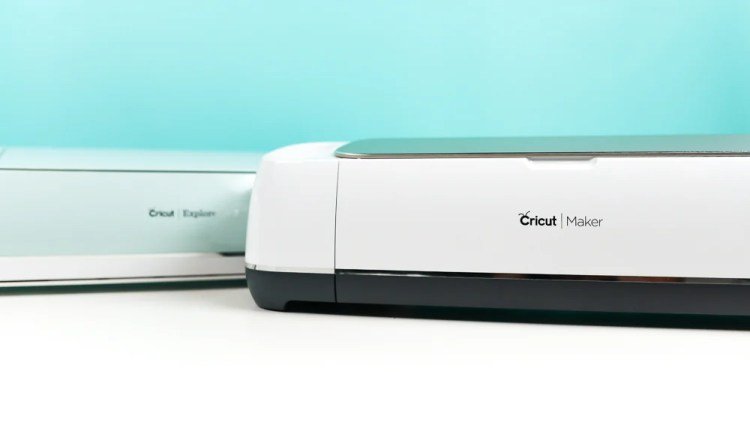
Owning a cricut is worth it if you plan to craft at least three times a month, as the cost of materials and machine maintenance becomes economical only with regular use. If you’re a casual hobbyist who only wants to make one or two items a year, the initial investment in the machine and specialized tools will far outweigh the savings of making your own goods compared to buying them.
The primary factor determining value is your willingness to learn the design software, as the machine can’t function without digital input. Many people make the mistake of buying the machine without checking if their computer meets the system requirements for Design Space, which leads to frustration when the software fails to load or lags during use.
Is owning a Cricut worth the setup
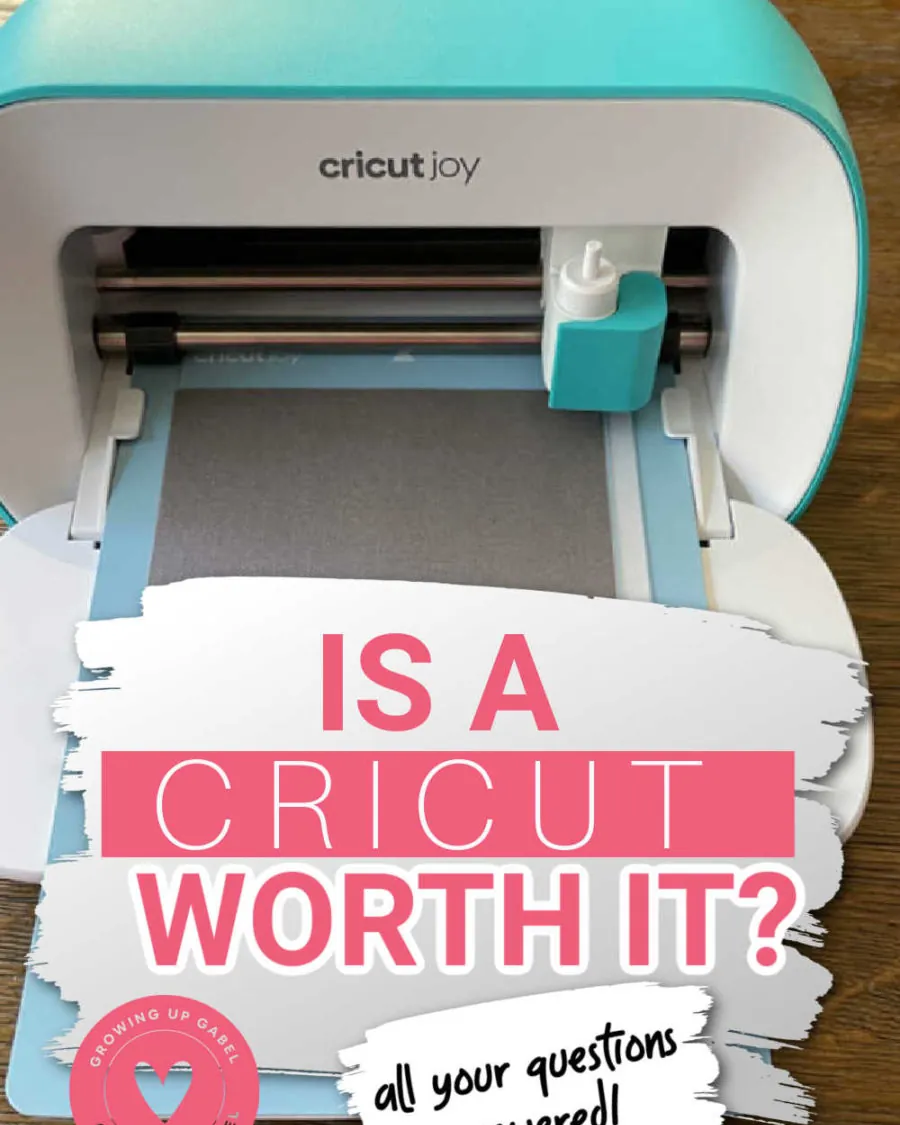
- Unbox your machine and place it on a flat, stable surface with at least 10 inches of clear space behind it for the material to feed through.
- Connect the power cord to a wall outlet and use the USB cable or Bluetooth to link the device to your computer or tablet.
- Download the official design software and create your account to register the hardware, which activates your warranty and allows you to access basic templates.
- Perform a test cut using the provided sample cardstock and the fine-point blade to confirm the carriage moves smoothly and the depth is calibrated.
- Calibrate the sensor if you intend to use the “Print Then Cut” feature, as this ensures the laser accurately follows your printed outlines.
Tip: Always keep the protective cap on your blade when not in use to prevent dulling, as a blunt blade forces the motor to work harder and ruins fine details.
Typical Project Timelines
The time required varies based on the complexity of your design and the material density. These estimates assume you have already prepared your digital file and have your materials trimmed to size.
| Project Type | Estimated Time | What changes it | What to watch for |
|---|---|---|---|
| Simple Vinyl Decal | 15–20 minutes | Size of the design | Air bubbles under transfer tape |
| Paper Greeting Card | 25–40 minutes | Intricate cut patterns | Tearing on delicate edges |
| Iron-on T-Shirt | 45–60 minutes | Pressing/cooling time | Proper heat settings for fabric |
| Layered Paper Art | 90+ minutes | Number of layers | Adhesive application accuracy |
If your machine is taking significantly longer than these estimates, check your internet connection speed, as the software often processes files via the cloud before sending instructions to your device.
Signs Your Project Is Finished
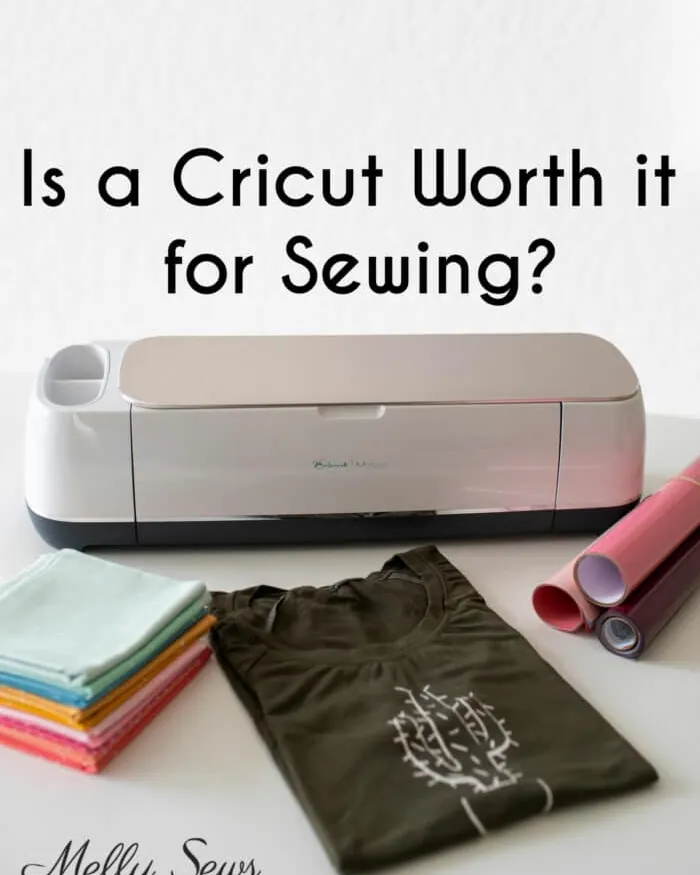
The most reliable sign that a task is complete is the flashing light on the machine changing from a pulsing state to a solid color, which indicates the internal processor has finished the current command. You’ll also hear the carriage return to its starting position on the far right of the rail. Don’t pull on your material until the machine has fully finished moving, or you risk damaging the internal rollers.
If the software displays a “Cut Complete” message on your screen but the machine is still moving, wait for the physical action to stop entirely. A three-second pause after the final motor noise is the safest window to ensure the blade has fully retracted.
If the machine stops mid-cut and the software shows an error, check that the material is firmly pressed against the sticky mat. A mat that has lost its adhesive strength will allow the material to shift, which ruins the cut and forces you to restart the process from the beginning.
If you can lift the edge of your paper with one finger, the mat is too slick to hold a clean line. In that case, use a small piece of painter’s tape to anchor the corners before hitting restart.
Common Errors That Impact Results

Attempting to cut heavy materials like thick leather or wood without the correct blade and machine model results in jammed gears and broken housings. Always check the official material compatibility list for your specific machine version before loading your tray. If your machine makes a grinding noise, stop immediately; forcing the motor through a single extra pass often strips the internal drive belt, a repair that costs more than the machine itself.
Failing to clean your cutting mats with mild soap and water causes dust and fibers to build up, which makes the material slide during the cutting process. Replace your mats once they lose their tack to prevent expensive waste of vinyl or cardstock.
If you can peel your material off with zero resistance, the adhesive has failed. Using a low-tack mat for heavy cardstock is a common mistake that leads to tearing; use the high-tack purple mat for thick materials and the light blue mat for paper.
Forgetting to mirror your image when cutting iron-on vinyl results in your text being reversed once applied. Always double-check your preview screen before hitting the “Make It” button. If the material has a clear carrier sheet, you must always cut it face down.
Frequently asked questions
How much does it cost to maintain a cricut?
Maintenance costs average about $15 to $30 per year, assuming you replace the fine-point blade once annually and refresh your set of three cutting mats. If you use the machine daily, you may need to replace the blade every three months, which increases your yearly cost to roughly $60. The exact amount depends on how often you cut abrasive materials like glitter cardstock, which dulls blades much faster than standard vinyl.
Can I use the machine without a subscription?
Yes, you can use the machine without a subscription by uploading your own images or using the free shapes provided in the software. A subscription is only necessary if you want unlimited access to the library of professional graphics, fonts, and ready-to-make projects. You should wait to decide on a subscription until you have used the machine for at least one month to see if the free features meet your needs.
Is it safe to leave the machine running unattended?
No, you should never leave the machine running unattended because a blade can snag on material, causing a jam that may overheat the motor. If you must step away, stay within earshot to monitor for grinding noises. Always turn the power off if you plan to be out of the room for more than five minutes.
Why is my machine tearing the paper?
Your machine is tearing the paper because the blade is likely dull or the cut pressure is set too high for the thickness of your material. Try a new, sharp blade first, as this fixes the vast majority of tearing issues. If the problem persists, go into the custom material settings in your software and decrease the pressure by 10 to 20 units until the cut is clean.
How long do the cutting mats last?
A standard cutting mat lasts for about 40 to 50 uses before the adhesive becomes too weak to hold materials securely. You can extend this life by replacing the clear plastic cover immediately after use to keep dust and hair off the sticky surface. Once the mat no longer holds a piece of copy paper firmly, it’s time to purchase a replacement to avoid ruining your expensive craft materials.
What happens if the power goes out mid-cut?
If the power goes out, the machine immediately stops and loses its position, meaning you can’t resume the cut exactly where it left off. You’ll need to discard that specific piece of material and start the design over from the beginning. To prevent this, consider plugging your machine into a surge protector or an uninterruptible power supply if you live in an area with frequent electrical fluctuations.
Conclusion
If you find that the cost of materials like vinyl and specialized transfer tape is higher than you expected, look for bulk rolls online. Buying in larger quantities usually saves you 30% to 50% compared to purchasing small individual sheets at local craft stores.
{“@context”:”https://schema.org”,”@type”:”FAQPage”,”mainEntity”:[{“@type”:”Question”,”name”:”How much does it cost to maintain a cricut?”,”acceptedAnswer”:{“@type”:”Answer”,”text”:”Maintenance costs average about $15 to $30 per year, assuming you replace the fine-point blade once annually and refresh your set of three cutting mats. If you use the machine daily, you may need to replace the blade every three months, which increases your yearly cost to roughly $60. The exact amount depends on how often you cut abrasive materials like glitter cardstock, which dulls blades much faster than standard vinyl.”}},{“@type”:”Question”,”name”:”Can I use the machine without a subscription?”,”acceptedAnswer”:{“@type”:”Answer”,”text”:”Yes, you can use the machine without a subscription by uploading your own images or using the free shapes provided in the software. A subscription is only necessary if you want unlimited access to the library of professional graphics, fonts, and ready-to-make projects. You should wait to decide on a subscription until you have used the machine for at least one month to see if the free features meet your needs.”}},{“@type”:”Question”,”name”:”Is it safe to leave the machine running unattended?”,”acceptedAnswer”:{“@type”:”Answer”,”text”:”No, you should never leave the machine running unattended because a blade can snag on material, causing a jam that may overheat the motor. If you must step away, stay within earshot to monitor for grinding noises. Always turn the power off if you plan to be out of the room for more than five minutes.”}},{“@type”:”Question”,”name”:”Why is my machine tearing the paper?”,”acceptedAnswer”:{“@type”:”Answer”,”text”:”Your machine is tearing the paper because the blade is likely dull or the cut pressure is set too high for the thickness of your material. Try a new, sharp blade first, as this fixes the vast majority of tearing issues. If the problem persists, go into the custom material settings in your software and decrease the pressure by 10 to 20 units until the cut is clean.”}},{“@type”:”Question”,”name”:”How long do the cutting mats last?”,”acceptedAnswer”:{“@type”:”Answer”,”text”:”A standard cutting mat lasts for about 40 to 50 uses before the adhesive becomes too weak to hold materials securely. You can extend this life by replacing the clear plastic cover immediately after use to keep dust and hair off the sticky surface. Once the mat no longer holds a piece of copy paper firmly, it’s time to purchase a replacement to avoid ruining your expensive craft materials.”}},{“@type”:”Question”,”name”:”What happens if the power goes out mid-cut?”,”acceptedAnswer”:{“@type”:”Answer”,”text”:”If the power goes out, the machine immediately stops and loses its position, meaning you can’t resume the cut exactly where it left off. You’ll need to discard that specific piece of material and start the design over from the beginning. To prevent this, consider plugging your machine into a surge protector or an uninterruptible power supply if you live in an area with frequent electrical fluctuations.”}}]}